

Documentation
The Web Dashboard
Your server's statistics on this website — charts you can filter, compare and export over your whole history, for the servers you are a member of.
The web dashboard is the Stats page of this website. It shows the numbers the bot shows in Discord with more room: whole histories, charts you can filter, members side by side, and every chart as a file.
How it Works
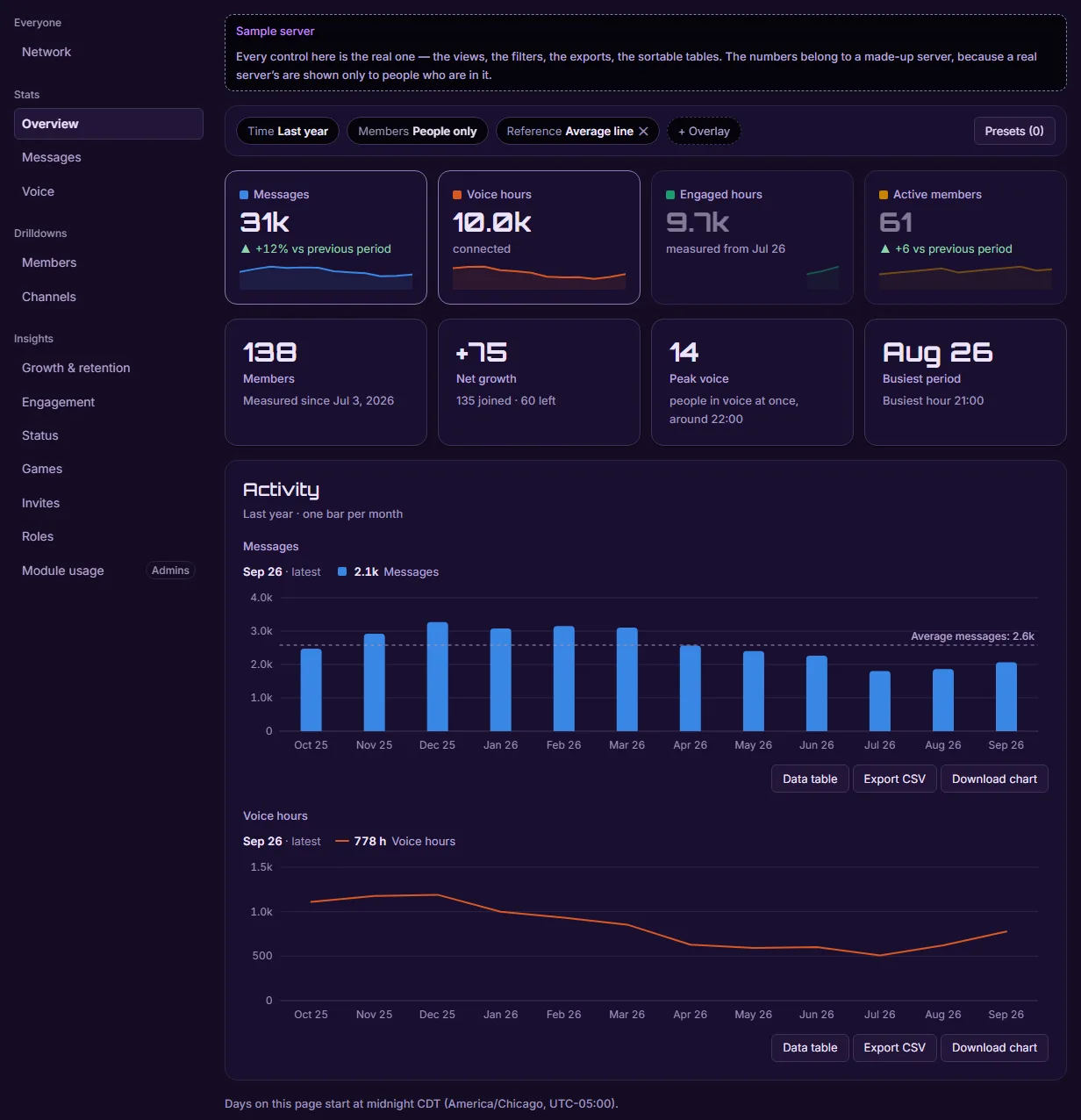
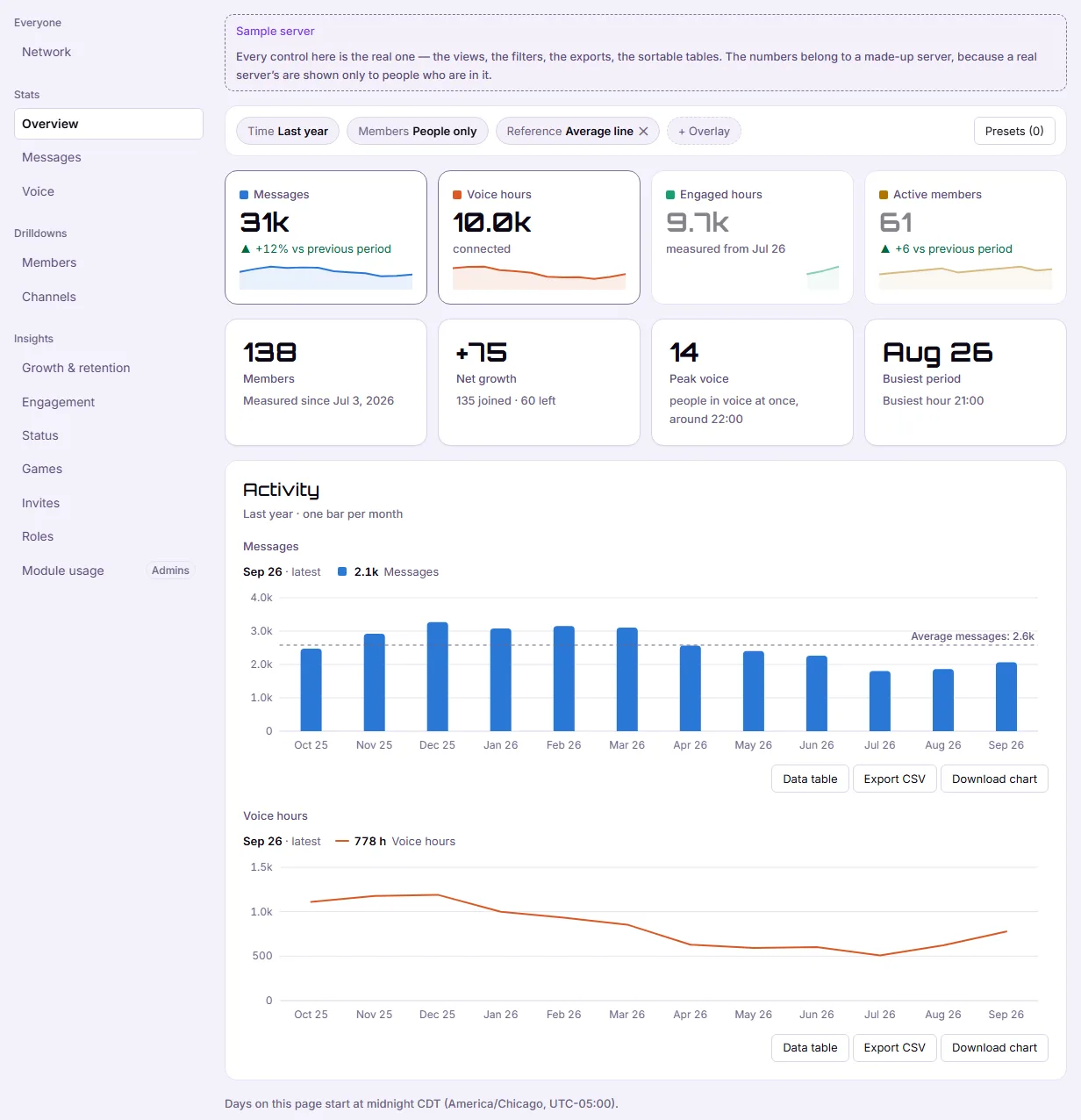
The sample dashboard on asbern.gg/stats
- The network totals at the top of the page are public. They add up every server running Asbern and name no server and no member.
- A sample dashboard is there for anybody who has not signed in, so you can click through what a server's page looks like before adding the bot.
- Sign in with Discord and the page lists every server you are in that runs Asbern. Discord tells us which servers those are when you sign in; we never decide who belongs to a server from our own records.
A Server's Page
A server's page shows its leaderboards, its channels, its busiest hours and weekdays, and how it grows and keeps its members, over the window you pick — back to the day its history begins, with any history brought in from StatBot included and marked as imported.
- Only members of the server can open it. People outside the server see nothing.
- Each member has a page of their own, reached from the leaderboard. Members of a server can see each other, because that is what a leaderboard is.
- Compare puts members side by side on one chart.
- Export CSV under a chart downloads exactly what it draws.
Numbers That Say What They Are
The dashboard follows the same rules as the bot: voice is the time members were connected, with engaged time — somebody else in the channel, unmuted — beside it wherever it was measured; a gap in the history is left as a gap rather than drawn as zero; and nobody can edit a number. A member who switched off activity counting stops adding to it from that moment.
What it Costs
Nothing. Asbern is free: every feature on this page is included in every server, and no card is needed.
Related
- Server and Member Statistics — what is counted, and the same numbers inside Discord.
- Import Your StatBot History — bring years of history across first.
- Member and Channel Reports — the admin console's own reports.